Top 5 Reasons Your Epson I3200 Printhead is Clogged (And What to Do When It's Dead)
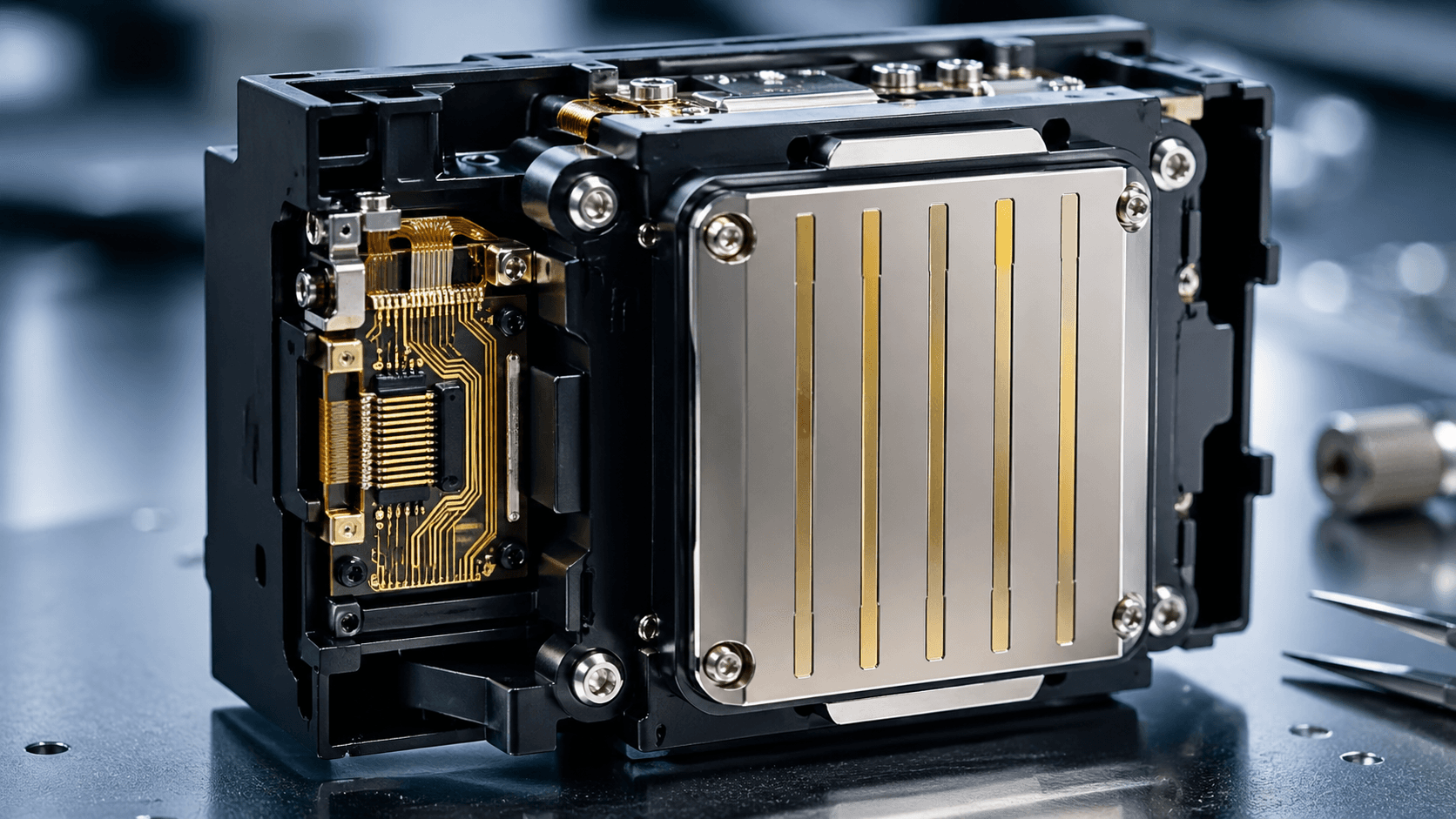
Top 5 Reasons Your Epson I3200 Printhead is Clogged (And What to Do When It's Dead)
If you are running a commercial printing business, encountering a clogged Epson I3200 printhead is one of the most frustrating—and expensive—issues you can face. The I3200 is renowned for its high precision and speed in DTF, UV, and Eco-solvent printing, but its micro-piezo nozzles are highly sensitive to poor maintenance and subpar ink.
Before you panic and order a brand new replacement, let's diagnose the problem. Here are the top 5 reasons your Epson I3200 might be clogged, professional steps to clean it, and a surprising solution if the printhead is completely dead.
*1. Poor Ink Quality or Expired Ink
Using cheap, third-party inks is the #1 killer of industrial printheads. Low-quality inks often contain larger pigment particles or improper chemical binders that accumulate inside the I3200’s microscopic nozzles.
- The Fix: Always use manufacturer-recommended or premium-grade inks. If you suspect bad ink, flush the entire ink delivery system immediately before installing a new head.
2. Inadequate Daily Maintenance
Industrial printers aren't plug-and-play home printers; they require rigorous daily maintenance. Failing to clean the capping station, wiper blade, or leaving the printer idle for days without a wet capping fluid will cause the ink to dry and crystallize on the nozzle plate.
- The Fix: Perform a daily maintenance routine. Keep the capping station clean and ensure the printhead rests in a proper moist environment when not in use.
3. Voltage Spikes and Electronic Failures
Sometimes what looks like a "clog" is actually an electronic failure. If there was a power surge or a short circuit in the printhead cable, certain nozzle channels will simply stop firing. This looks identical to a severe physical clog on a nozzle check pattern.
- The Fix: Check the FFC (Flat Flexible Cables) for ink spills or burn marks. If the internal circuitry is fried, standard cleaning will not work.
4. Head Strikes (Physical Damage)
If your media (paper, vinyl, or fabric) curls up and hits the printhead during printing, it can physically scratch or dent the delicate nozzle plate of the Epson I3200.
- The Fix: A physical scratch cannot be "cleaned" away. You will need a professional chip-level [Printhead Repair Service](/repair) to evaluate if it's salvageable.
5. Improper Cleaning Solutions
Many operators panic when they see a clog and use harsh chemicals (like pure acetone or industrial solvents) to flush the head. The I3200 uses internal adhesives to hold the nozzle plate together. Harsh chemicals melt this glue, causing internal cross-channel leaking.
- The Fix: Only use dedicated printhead cleaning solutions specifically formulated for your ink type (UV, DTF, or Eco-solvent).
What if the Printhead is Completely Dead? Don't Throw it Away!
If you’ve tried ultrasonic cleaning, professional flushing, and the nozzle check still shows massive missing blocks—or if the head has suffered an electronic short—do not throw it in the trash.
Many printing business owners don't realize that even a completely dead, non-working Epson I3200 printhead holds significant residual value.
At PrintWay, we are global leaders in Industrial Printhead Buyback. We purchase working, partially working, and completely broken printheads. Our engineering team in Hong Kong/Shenzhen strips them down for core components or refurbishes them.
Why let a dead printhead gather dust when you can turn it into cash?
- Top Payouts: We offer the highest buyback prices in the industry for Epson, Ricoh, Konica Minolta, and more.
- Fast Valuation: Send us a picture and a brief description, and we will quote you the same day.
- Global Shipping: We serve clients in over 40 countries and handle the logistics seamlessly.
Frequently Asked Questions
Diagnosis takes 1-2 business days. Repair takes 3-5 business days. Total turnaround is typically 5-8 business days plus shipping.
No fix, no fee. If we cannot repair it, you pay nothing for the repair work. We can also offer a buyback price for the printhead.
Yes. We receive printheads from 40+ countries. We recommend DHL or FedEx for fastest, safest shipping.
We will first check your printhead condition before any repair.
Need a Printhead Repaired or Want to Sell?
✓ No fix, no charge · ✓ 30-day warranty · ✓ Reply within 24h